
All product updates
End a project in one step, and texts from the first email
End project settles every session of a multi-session project on one screen. Clients who left the texts box unticked can say yes in their first email. Below, the smaller fixes.
End a project in one step
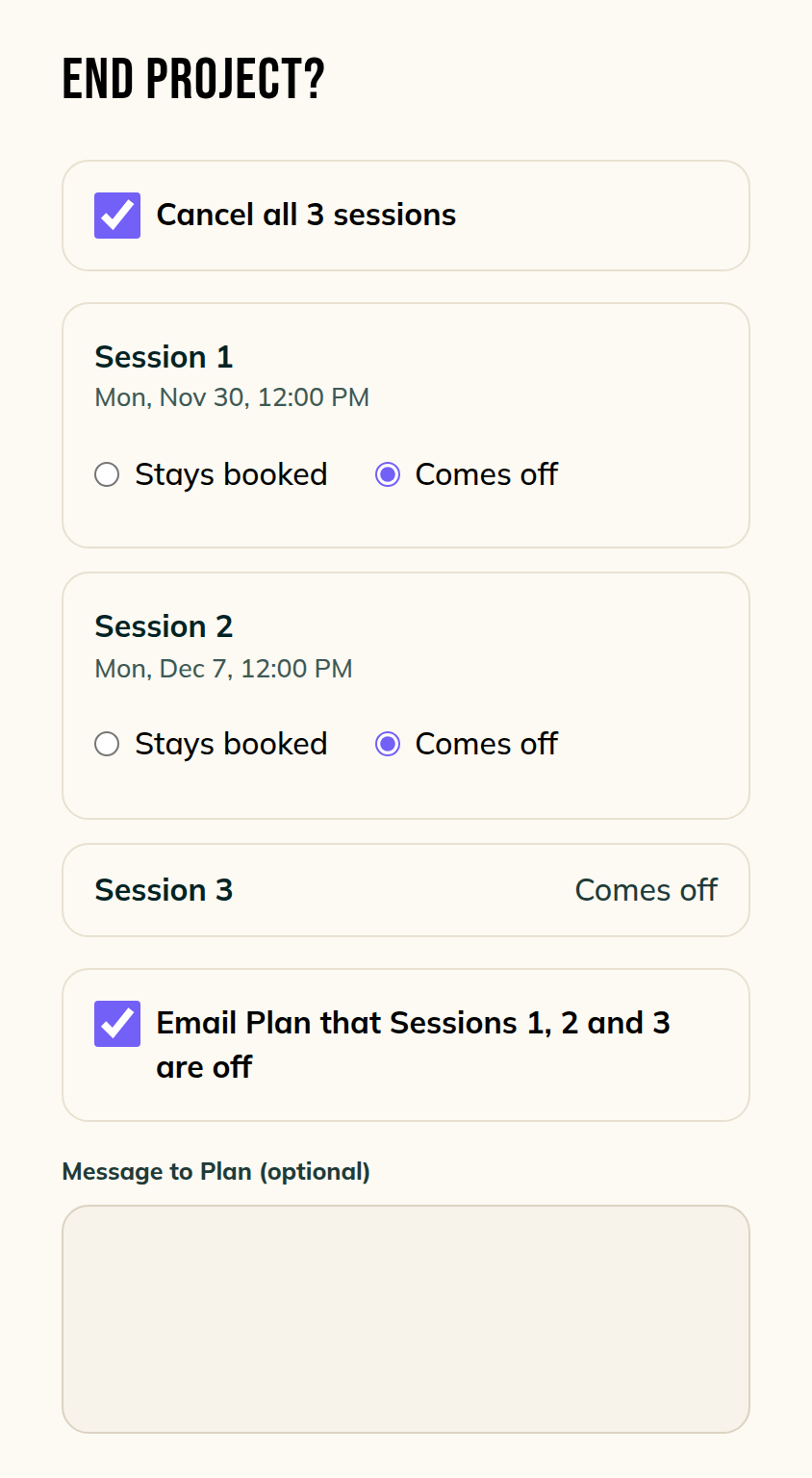
On a project with more than one session, Request care asks Done before Session 2? with End project under it.
End project lists every session. Mark each one Stays booked or Comes off, or tick Cancel all. Leave the email box ticked and your client gets one email about the sessions that are off.
Clients can say yes to texts from their first email
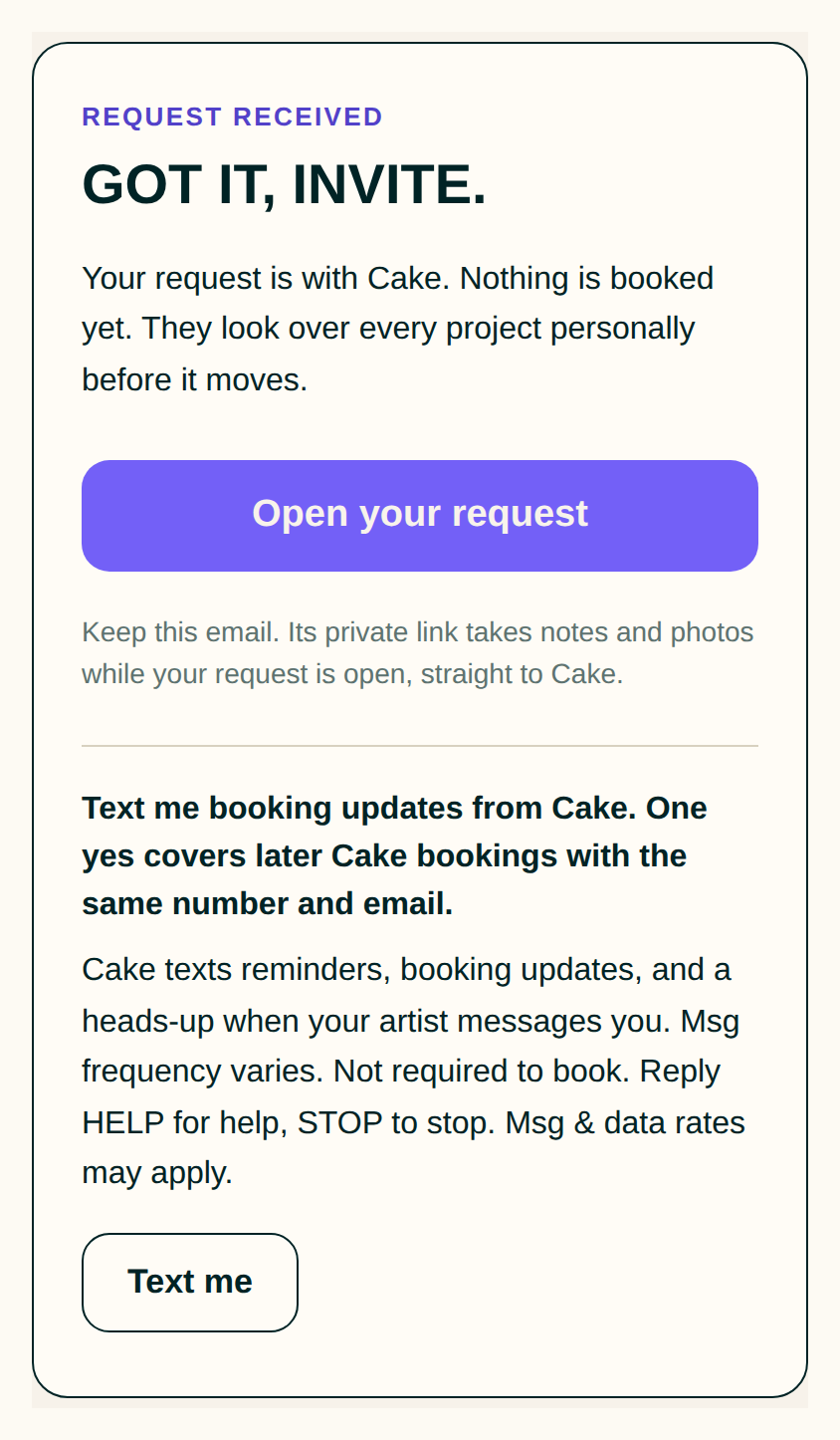
A client who left the texts box unticked on your form gets this in the first email: Text me booking updates from Cake, with a Text me button.
Text me opens their booking page at the box. Texts start only after they tick it and press Save.
- A client you add with a phone number and no email sees no texts box on their booking page.
- STOP to either Cake number gets the stop reply.
Smaller fixes
- Home and the studio load faster.
- A double tap on Send in Send fresh times sends one offer: Undo ignores taps for half a second after Send.
- Closing a photo in Messages on an iPhone no longer flashes a purple square.
- The email about a card payment that came after its time filled opens with [name] needs a new time.
- Cake lists your page for search engines, and each work photo on it has its own description.
- Quick add's first button reads Send to [name].
- Automated messages shows every row at the same time.
- On a computer, the Deposit amount box in Payments sits beside its label.
- When reminders and messages are off, Home shows that row near the top, behind only the rows that say something went wrong.