
Take the rest of a price by card, and turn on text reminders
With Stripe connected, your client can pay the rest of a price by card at the chair, and you can refund to their card from the session wrap. Turn on reminders, and clients who said yes to texts get them by text as well as email. Below, the text word for word.
Take the rest of a price by card, with Stripe connected
Set the final price on a booked request, and your client's page shows Total, Paid and Left to pay. Where you take cards, it adds a button to pay what's left by card.
At the chair, open the session wrap and show your payment code. Your client scans it with their phone and pays by card while you clean up, and nobody says "so, about the rest" out loud.
To send a card payment back, press Refund on the session wrap. When Stripe confirms the refund, your client gets an email saying it went through.
We tested paying and refunding with Stripe's test cards. Stripe takes its processing fee from your payout.
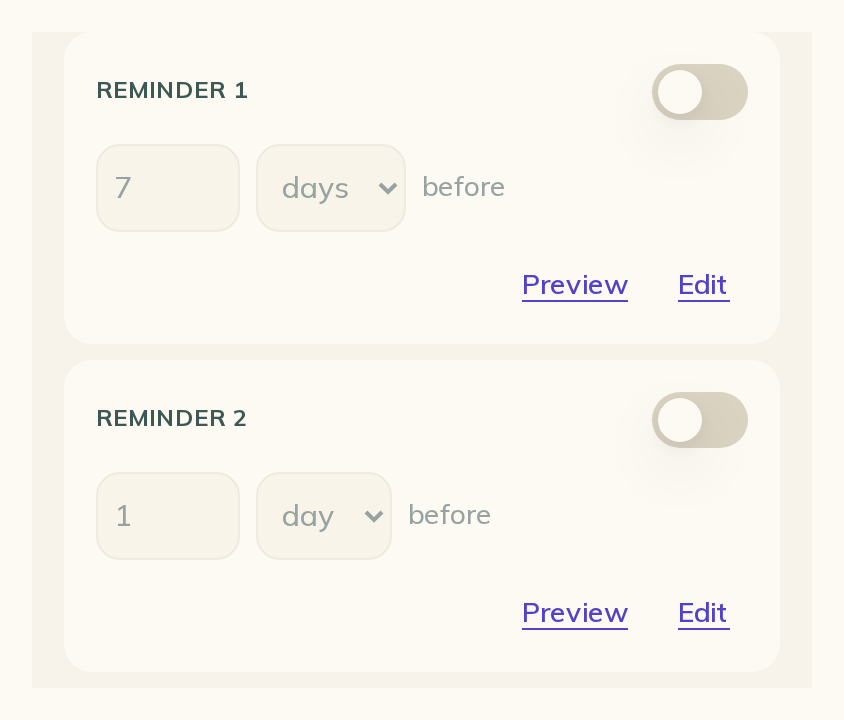
Turn on reminders, and see the text your client gets
After you switch reminders on, a client who said yes to texts gets this:
Cake: your appointment with [your name] is [the day] at [the time]. Details: [the link] To message your artist, open the link and reply there, not to this number. Reply STOP to stop.
One less "see you Saturday!!" typed from your own phone at midnight.
More places your client can say yes to texts
Three new places show the box:
Text me booking updates from Cake. One yes covers later Cake bookings with the same number and email.
- Their booking page, including a booking you add yourself.
- The screen after they send a request with the box unticked: Text me or No thanks.
- The link you copy from People: Copy text opt-in link.
Help pages match the app
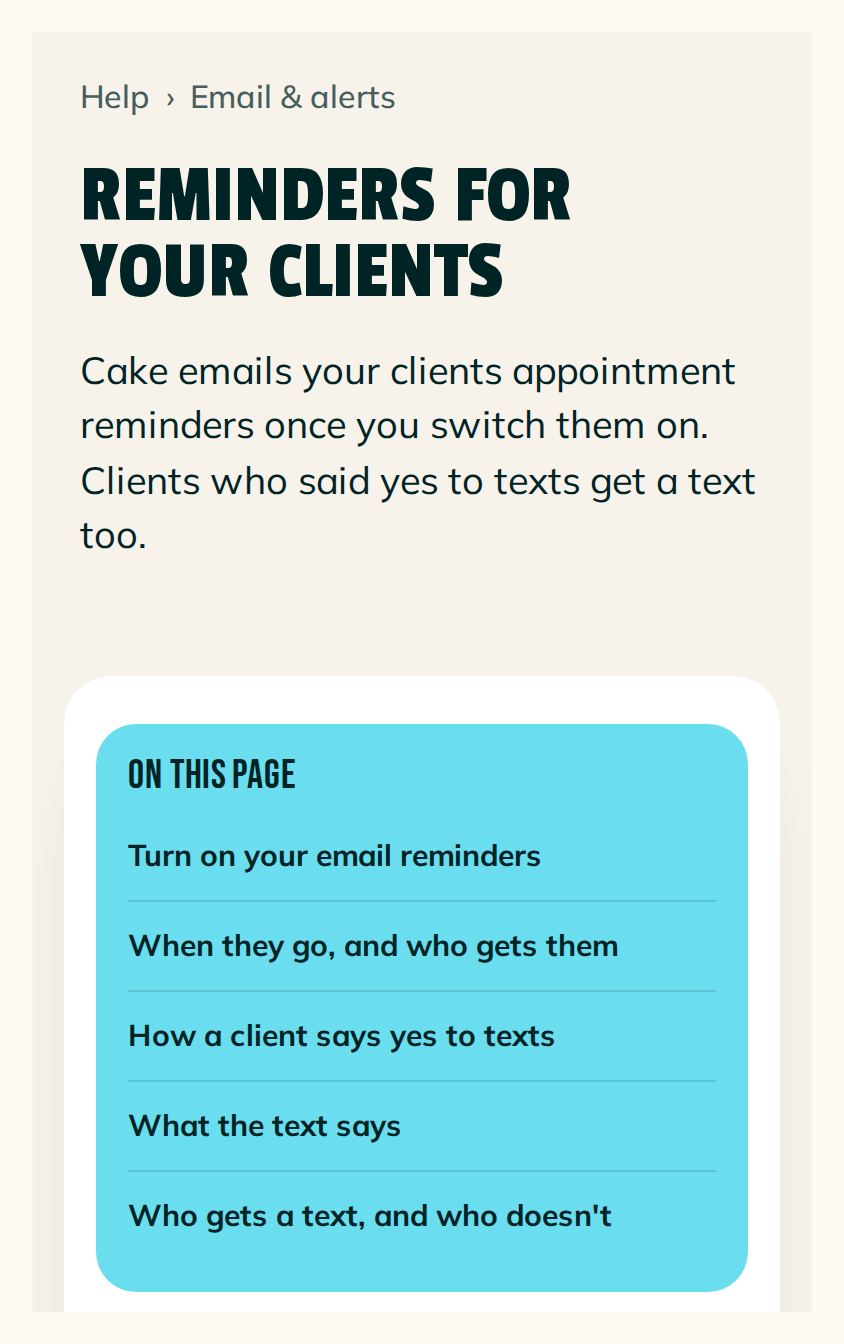
- Reminders for your clients now shows every way a client says yes to texts, and Add a client with Quick add, Where Cake's emails land and Choose what Cake sends clients match it.
- Choose what Cake sends clients gives Cake's deposit-ask times as defaults, and says how far you can move each one.
- Help matches the app on Reopen and Add a date in Send times, and send fresh ones, on the note under Pass on this one in Answer a new request, on the three deposit asks in Where a deposit stands, and on Contact support in Sign in & manage your account.
Also new: when your client books a time, their You're booked page throws confetti in purple, lime, sky and coral.