All product updates
Reopen a cancelled or declined request
A cancelled or declined request can come back and get new times. Offer one start time on several days in one press. Set up to three deposit asks, and write to us from Settings.
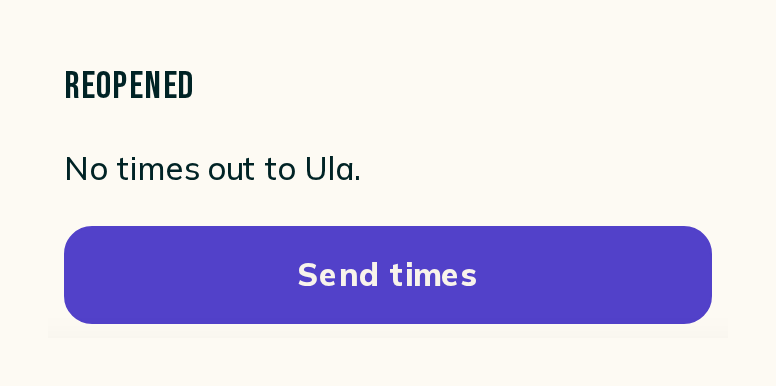
In Requests, under Closed, a cancelled or declined request has a Reopen button:
- Press Reopen and the request goes back to Approved, marked Needs times.
- Your client hears nothing until you send times.
- Send times on the request opens Offer times.
Offer one start time on more days
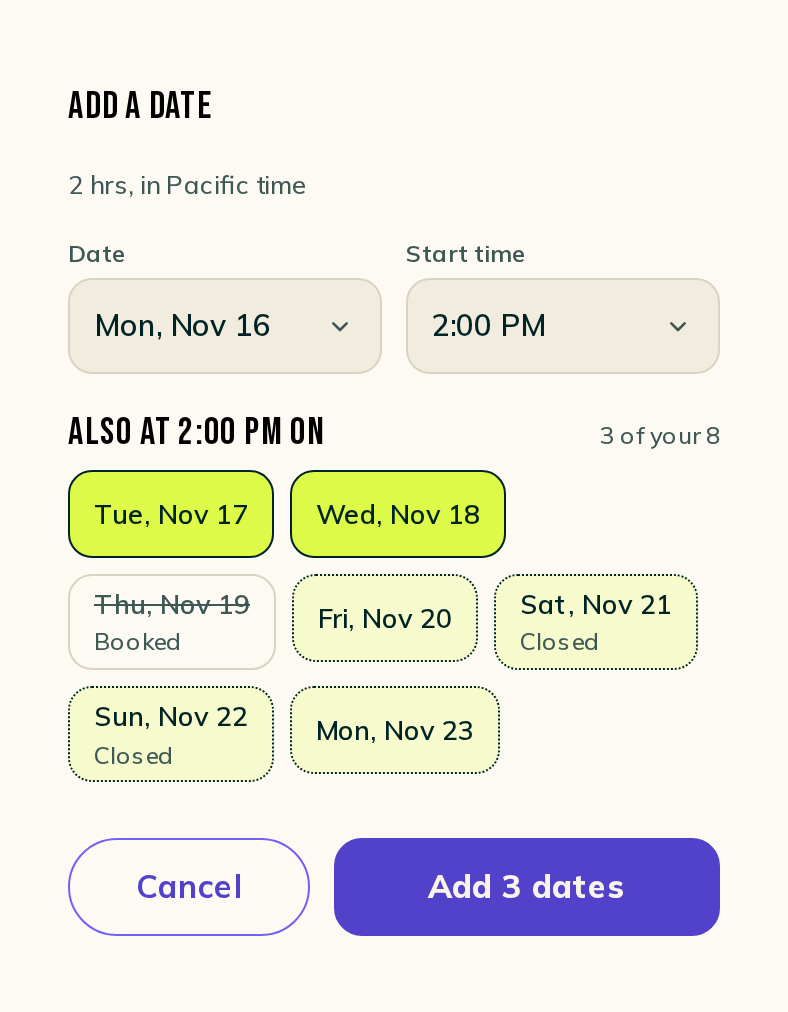
In Offer times, Add a date: pick a day and a start time, and a row lists your next days at that time, headed with it (Also at 2:00 PM on):
- Tap each day you want. A booked day is crossed out, and a closed day says Closed.
- The button counts what you picked (Add 3 dates) and adds every day in one press.
Send up to three deposit asks
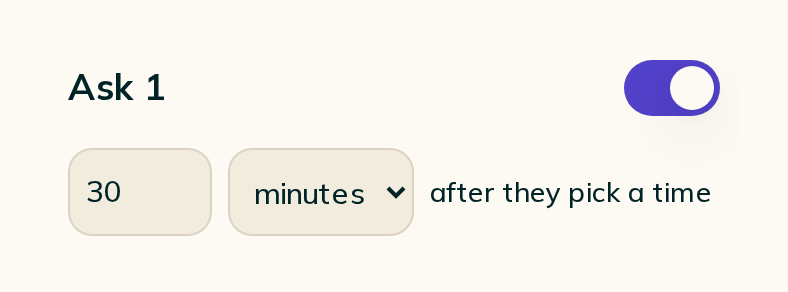
In Settings, Automated messages, Nudges, open Words & timing on Deposit ask. It holds three asks:
- Each ask has its own switch.
- Each one goes out a set time after your client picks a time, in minutes, hours or days, until they say they sent the deposit.
- Each one sends Cake's words, or press Write your own to use yours.
Contact support from Settings
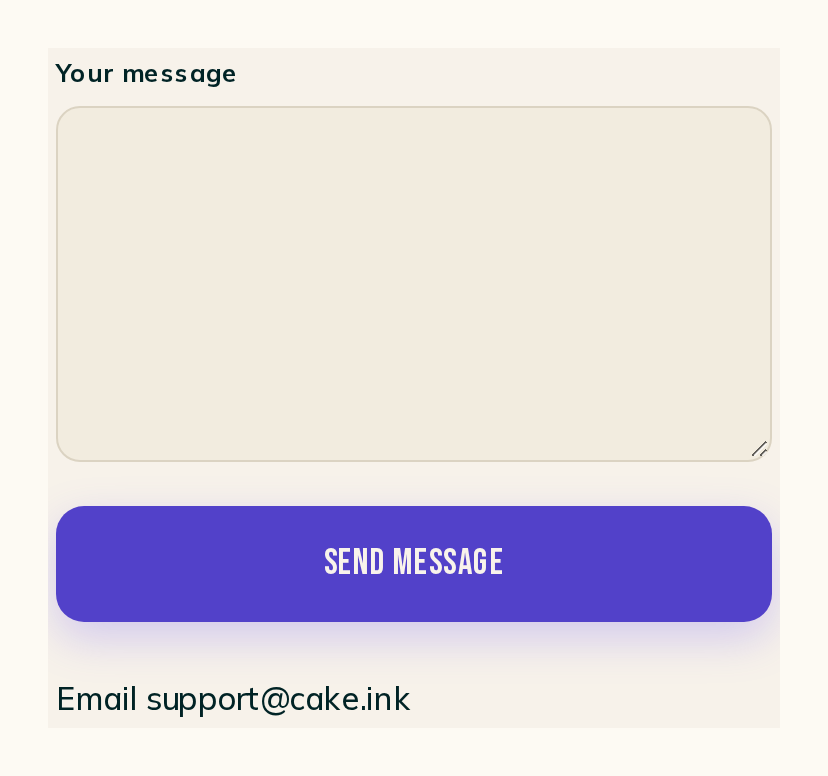
Settings has a Contact support room:
- Write your message and press Send message.
- We reply by email, to your account email.