All product updates
Edit your Times nudge
Change its words and timing in Settings. Payment apps now have separate send and report steps.
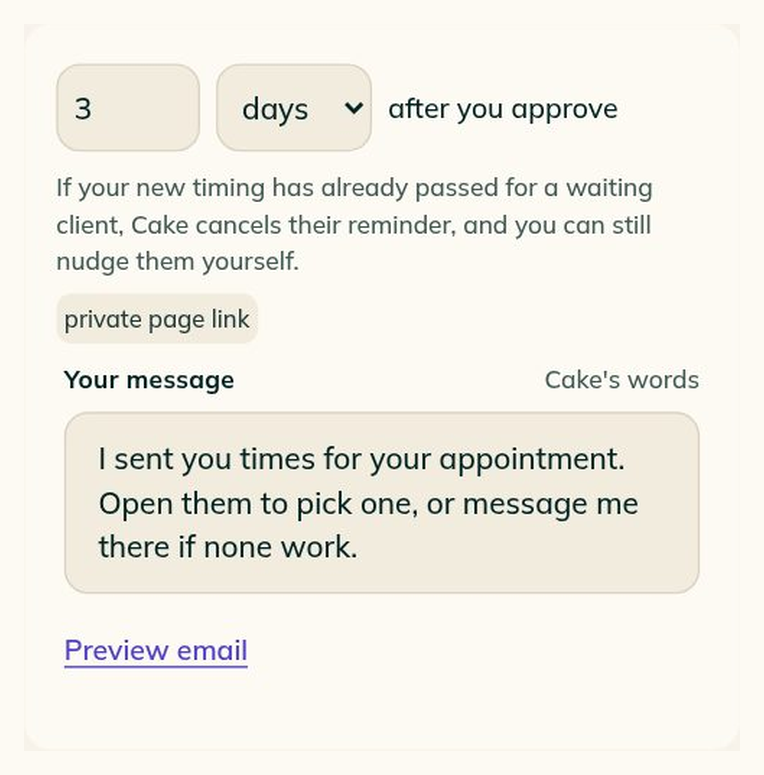
Edit the words and timing of your Times nudge
In Settings, open Automated messages, Nudges, then Times nudge, Words & timing.
- Choose hours or days after you approve, write your message and preview the email.
- Save your edits while the nudge is Off, or Discard them.
The editor is live. Automatic Times nudges aren't sending yet.
Send the deposit, then tell Cake
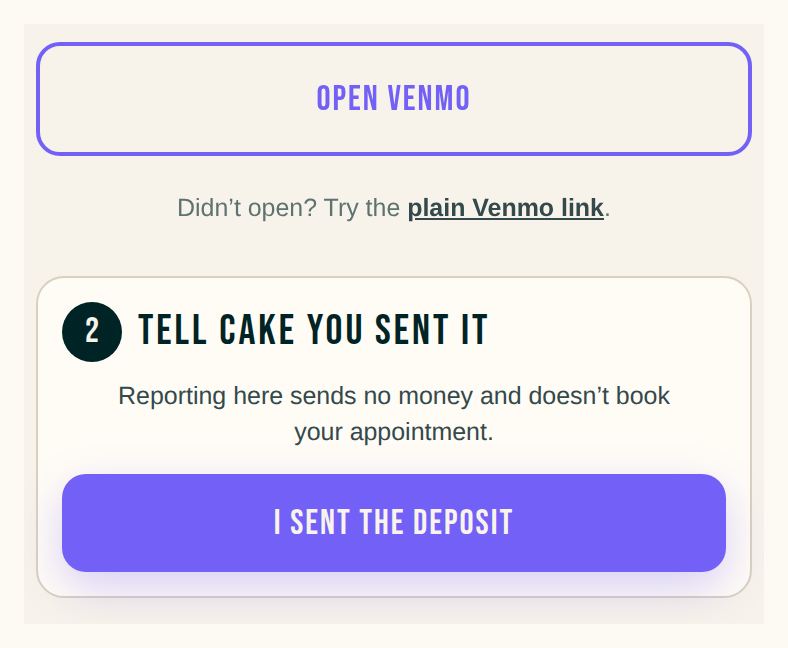
- Clients pay through their chosen app first, then tap I sent the deposit on their Cake page.
- Home and the request distinguish an app being Opened from the client saying Sent, with the app's name beside it.
- Tap Received when it lands. Opening the app or reporting a deposit doesn't book the session.
- Before opening a payment app, clients see its terms and fees, and payment links also warn that card processing fees may apply.
The first thread photo can lead the request
A request with no reference photo uses the first photo you add through its thread as the lead in Chat and the request header. Later photos keep that choice.
Add a closed day to your full-day time offers
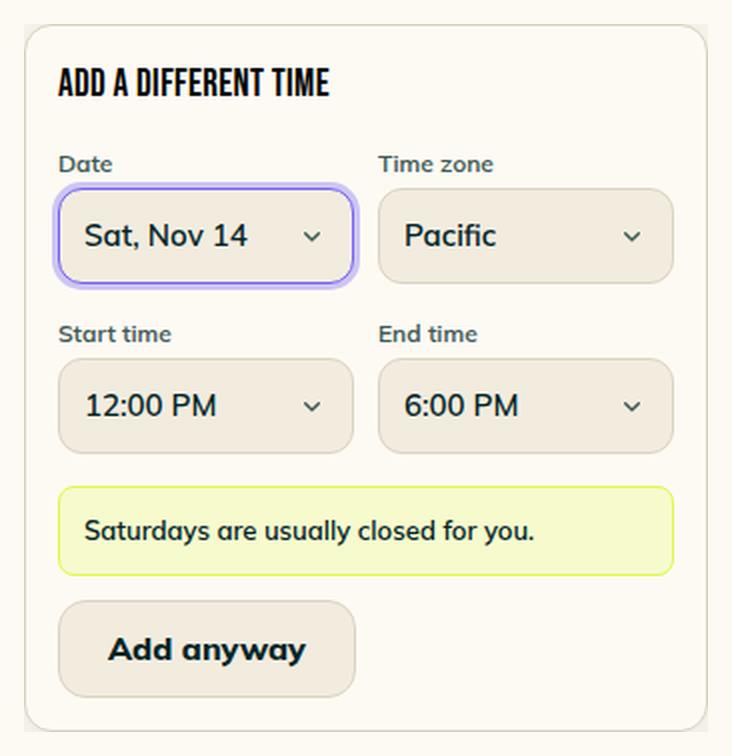
In Choose fresh times, adding a closed day to a full-day project shows start and end times, with Add anyway underneath. Change the time zone there too.
Find an artist's @ link on the 404 page
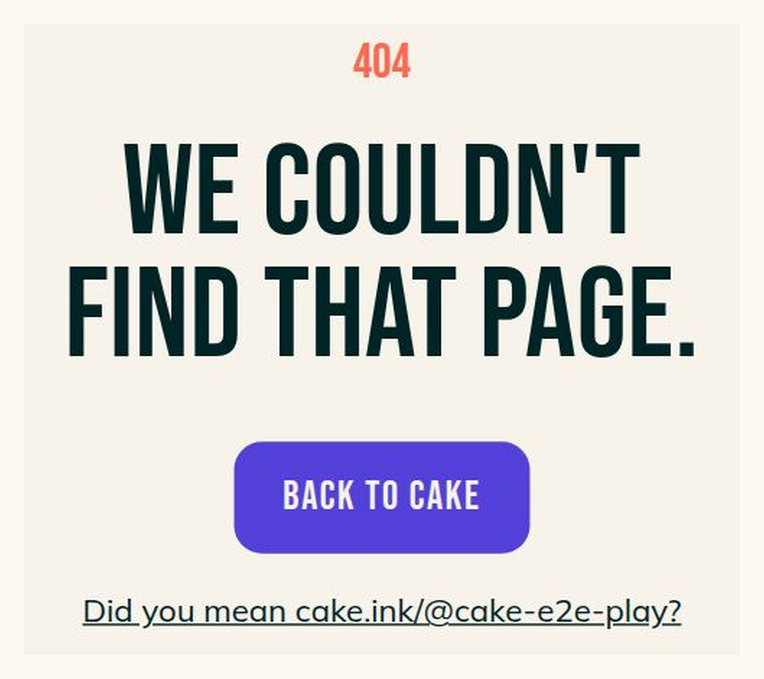
If you leave the @ out of an artist's Cake link, the 404 page offers the @ link when it finds that artist's page. The address stays put until you choose the link.
Smaller fixes 9 lines
- Sent automated emails now appear under You in the request's Messages, beside the messages you type.
- The client page drops its Texts section; each request still says whether that client said yes to texts for that request.
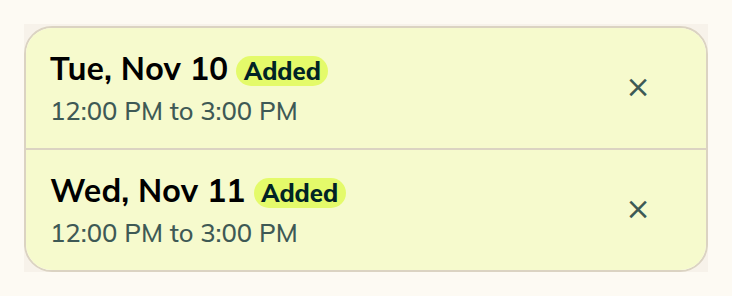
- Added times keep their lime fill and badge.
- On a wide screen, the session's reference photo lines up with its date card. On a phone, they stay in one column.
- Paste an Instagram link or a handle when editing a client's details.
- Requests no longer show Send the form.
- Changing a session's length into another client's hold names that hold in the refusal.
- When you attach several photos together, the request and client page show them in the same order you picked them.
- Saving a PNG or JPEG attachment downloads that image type.