All product updates
Stop holding a time with no deposit reported
Choose fresh times has a Stop holding button for a time a client picked without reporting a deposit. People counts how many said yes to texts, and your request form asks which days work best.
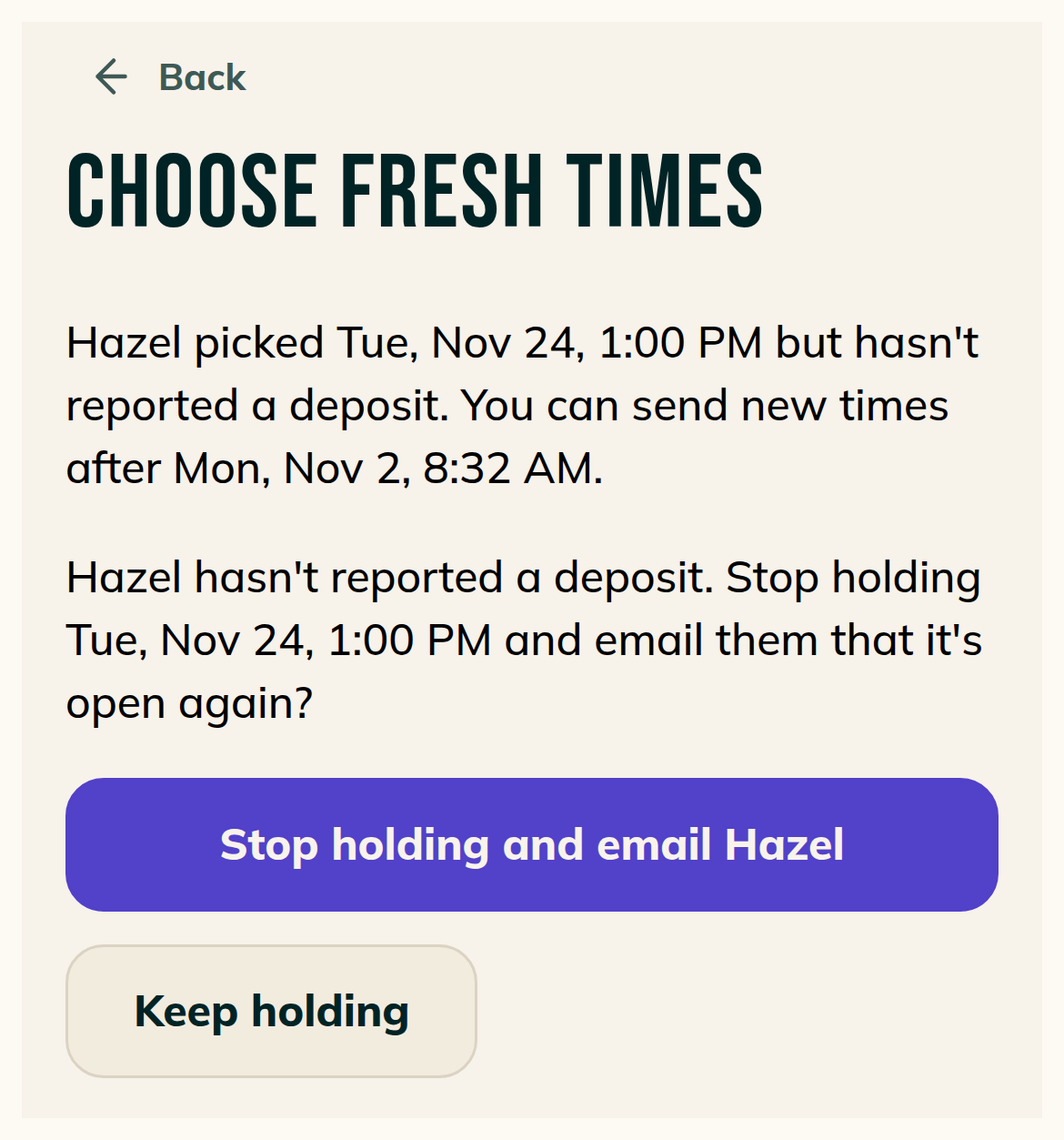
When a client has picked a time and hasn't reported a deposit, Choose fresh times has a Stop holding button for that time:
- The line above the button names the client and the time they picked and says they haven't reported a deposit. It ends with "You can send new times after" and a date and time.
- Pressing it asks you to confirm. One button reads "Stop holding and email" followed by the client's first name. "Keep holding" takes you back to the held line.
- After you choose "Stop holding and email", the same screen lists your open times.
- The request thread records it: "Stopped holding" and the time, then "No deposit was reported."
See who said yes to texts
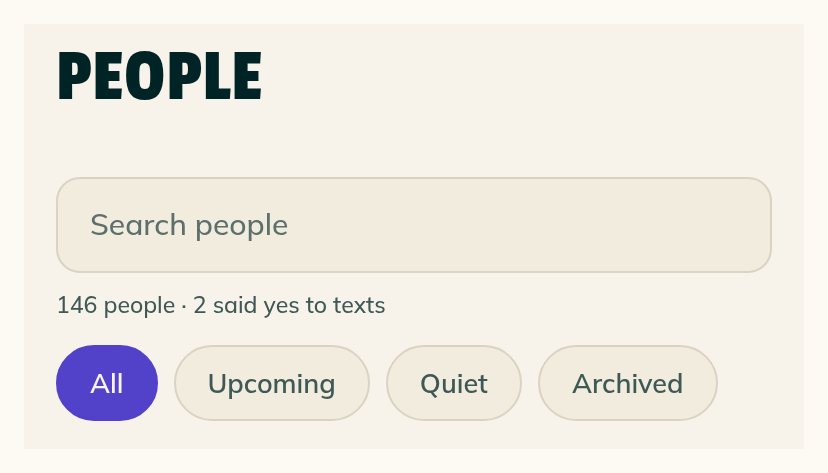
- The line under People's search box counts how many of your people said yes to texts, as in "146 people · 2 said yes to texts".
- A client's page and a request both say "Said yes to texts for this request" if they did, and "Hasn't said yes to texts for this request" if they didn't.
Your request form asks which days work best
- Just above Send request, the form asks "What days of the week usually work best for you?" Clients tick any of Mon to Sun.
- Under it, "Anything else about timing?" takes a line in their own words.
- Neither is required.
Smaller fixes 4 lines
- With I confirm every booking off, sending from Quick add instead of booking it now shows No deposit with "Your client picks a time and it books." under it until you pick a client. Then it uses their first name.
- When you send instead of booking it now and card payments aren't open for you, Quick add's Deposit option reads "Paid by payment app" under its name, with No deposit below it.
- With your approval note off, sending from Quick add instead of booking it now shows an empty Your note box with the hint "Add a note. You can save one in Settings." What you type shows in the request's thread with the approval email.
- When you approve a request, choose Full day and pick an open day, the Add a date sheet's button reads "Add this date".