Calendar returns to today
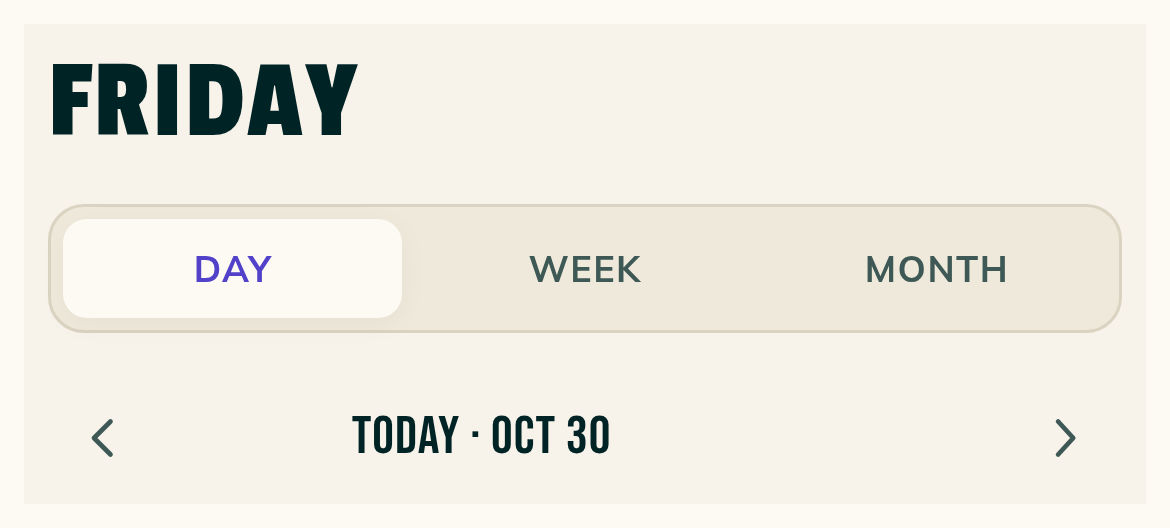
On the web, Calendar returns to Day on today after a visit to Home or Requests.
Leave Calendar for Home or Requests on the web, then come back. You'll land on Day, on today, even if you were looking at a future week or month.
A link to a specific week opens that week. Reload afterward and Calendar opens Day on today.
Google busy time in lime
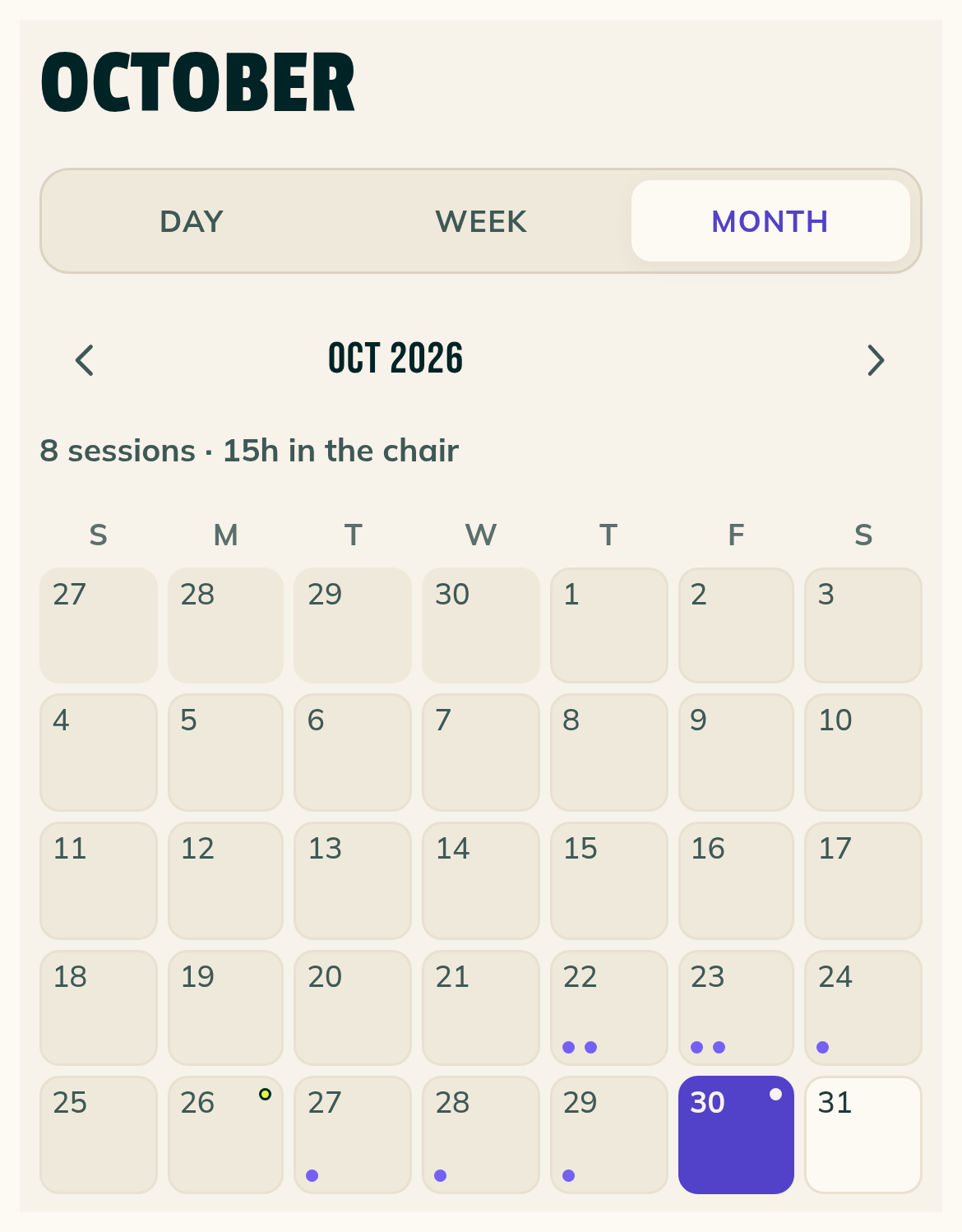
In the light theme, Google busy time has lime bands in Day and a dashed lime outline in Week.
Month's Google dots are lime, with a light dot on the selected day. The Google times below the month are gray.
A 30-minute Google band in Day keeps the name and start time on one line, and an hour-long band shows a second line.
Move a session onto a held time
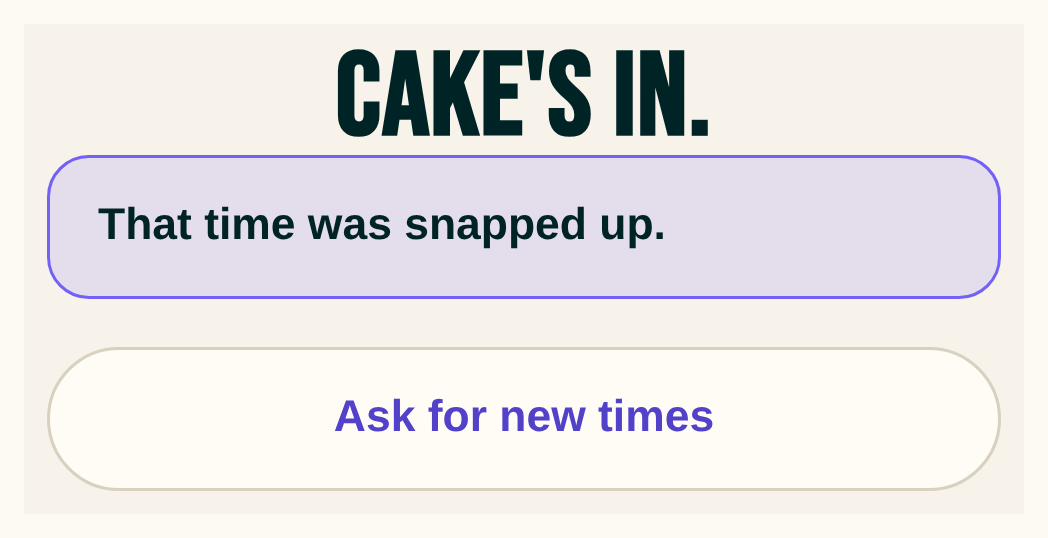
For a client's held payment-app pick with no payment report, the reschedule warning names who's holding it and when the hold ends.
Choose Move anyway to move your session onto that time. The other client's link then says "That time was snapped up."
Smaller fixes 1 lines
- Direct payments policy is now Payment apps policy. You'll find the renamed policy in Settings, Payments. The terms haven't changed, and your existing acknowledgment is valid under the new name.